Guide
Brightness, resolution, dark mode, background apps and charging habits — simple ways to save battery and stay comfortable while watching video on a phone.

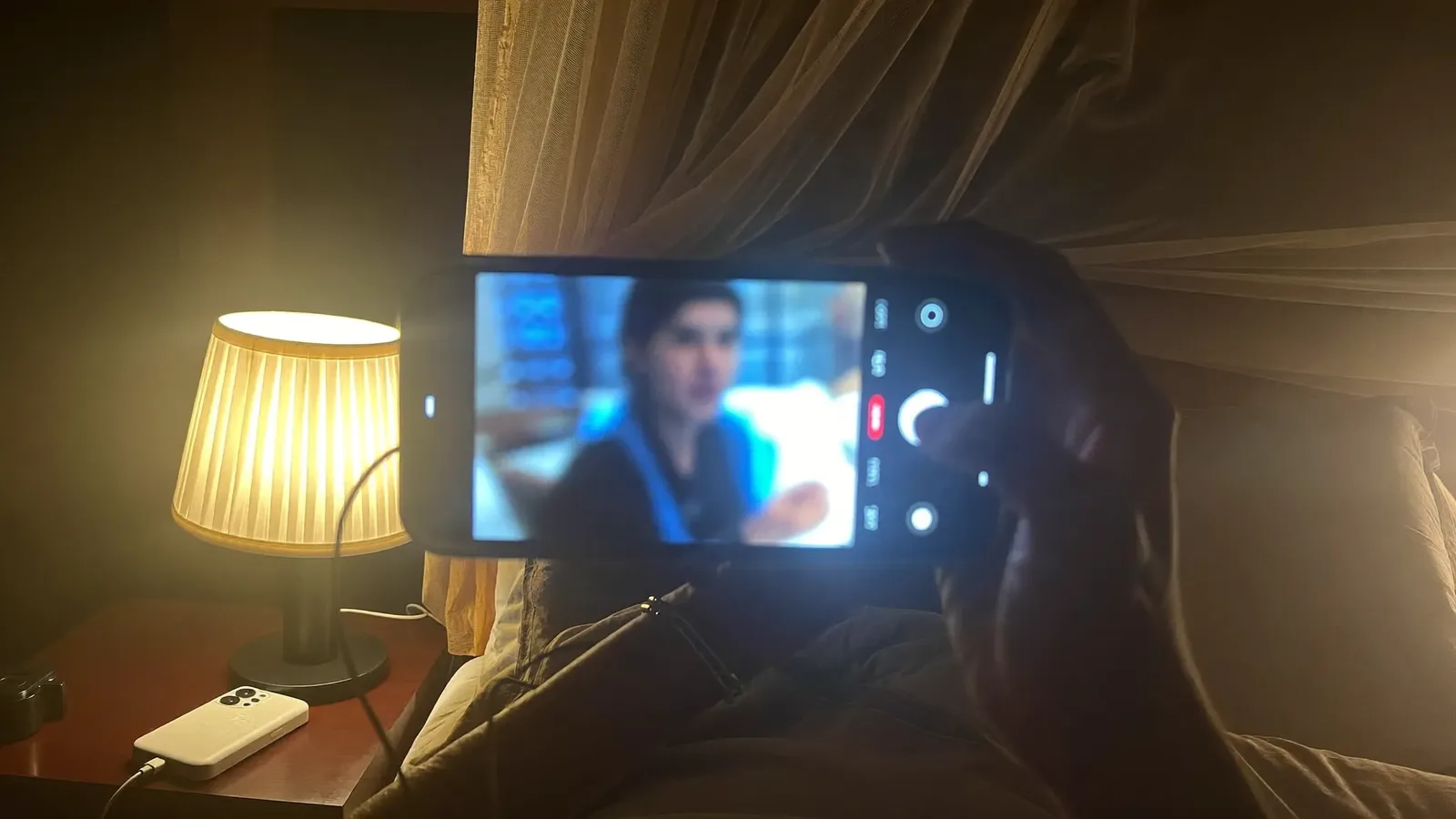
You lie in bed meaning to watch one episode, then another, and suddenly the battery is at 20 percent, the phone is hot and your eyes are stinging. Sound familiar? Video is one of the most power-hungry things a phone does, but a few settings make a noticeable difference.
Screen brightness accounts for a large share of battery use, and indoors you rarely need it at maximum. With adaptive brightness on, the phone adjusts itself to the surrounding light. Keeping brightness low in a dark room is easier on your eyes too.
On a six-inch screen many people can't tell 720p from 1080p, yet higher resolution means more data and more decoding work. On mobile data, or when the battery is low, 480p or 720p is enough.
On phones with OLED or AMOLED screens, black areas switch pixels almost off, so an app's dark mode saves some battery. On LCD screens the saving is tiny. Either way, dark mode can be more comfortable at night, which is a real benefit in itself.
Watching for long periods while charging, resting the phone on a pillow or blanket, or using a thick case all make the phone hot, and heat shortens battery life. If it gets unusually warm, take a break, remove the case and let it cool in open air.
Use the official or a good-quality charger and cable. Many newer phones offer "Optimised charging" or an option to stop at 80–85 percent, which keeps the battery healthier over time. Charge on a firm, open surface rather than overnight in bed.
On long sessions, look into the distance now and then and remember to blink. Staying off screens for half an hour to an hour before bed helps you sleep better — that goes for children and adults alike.
Editor's note: Setting names differ by phone brand and software version. Last reviewed 13 November 2026.

Plenty of people start the day with headphones in, listening to their favourite FM station on the bus or in a rickshaw. Then the data pack runs out before the month does, and the question co
3 min read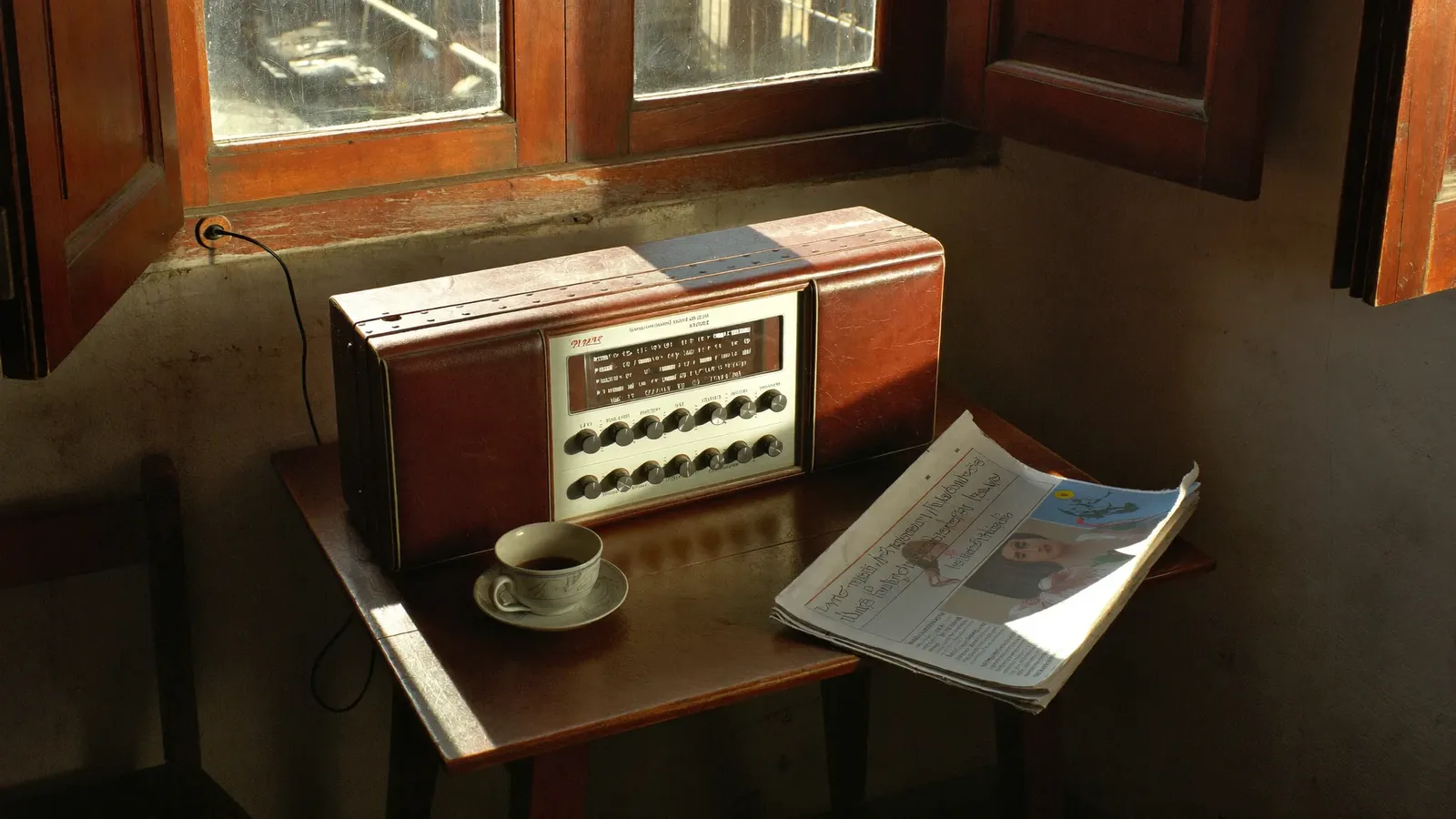
There was a time when people crowded around a single radio at the village tea stall to hear the evening news. Today the same stations play through a phone app, a car dashboard or a smart spe
3 min read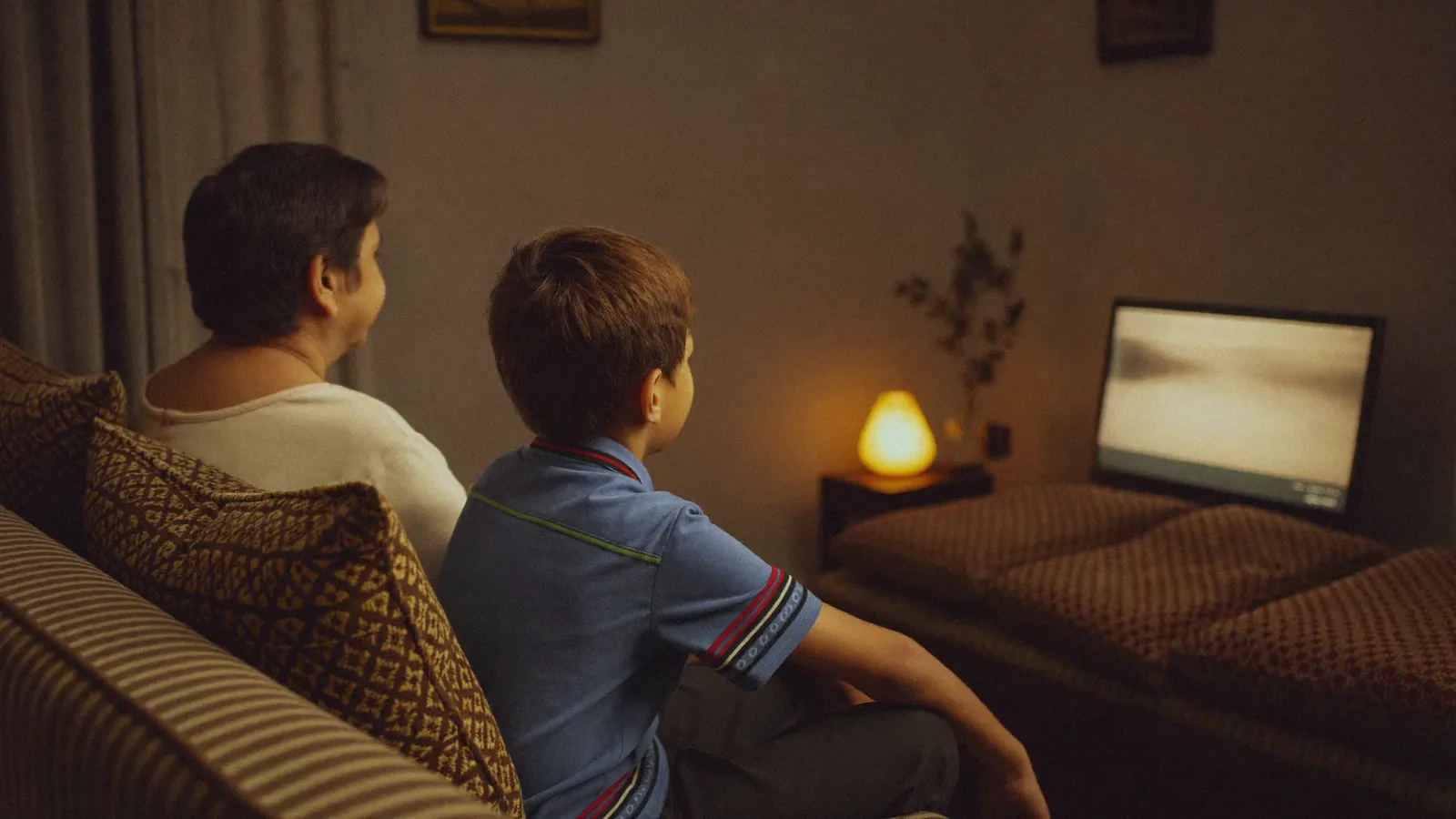
After dinner the lights go off and the family settles in for a drama or a match. It is a familiar scene in many homes. But a bright screen in a dark room, sitting too close and watching for
3 min read