Guide
Bigger text, a simpler home screen, subtitles, voice search and fewer apps — a practical guide to setting up a smart TV for older parents.

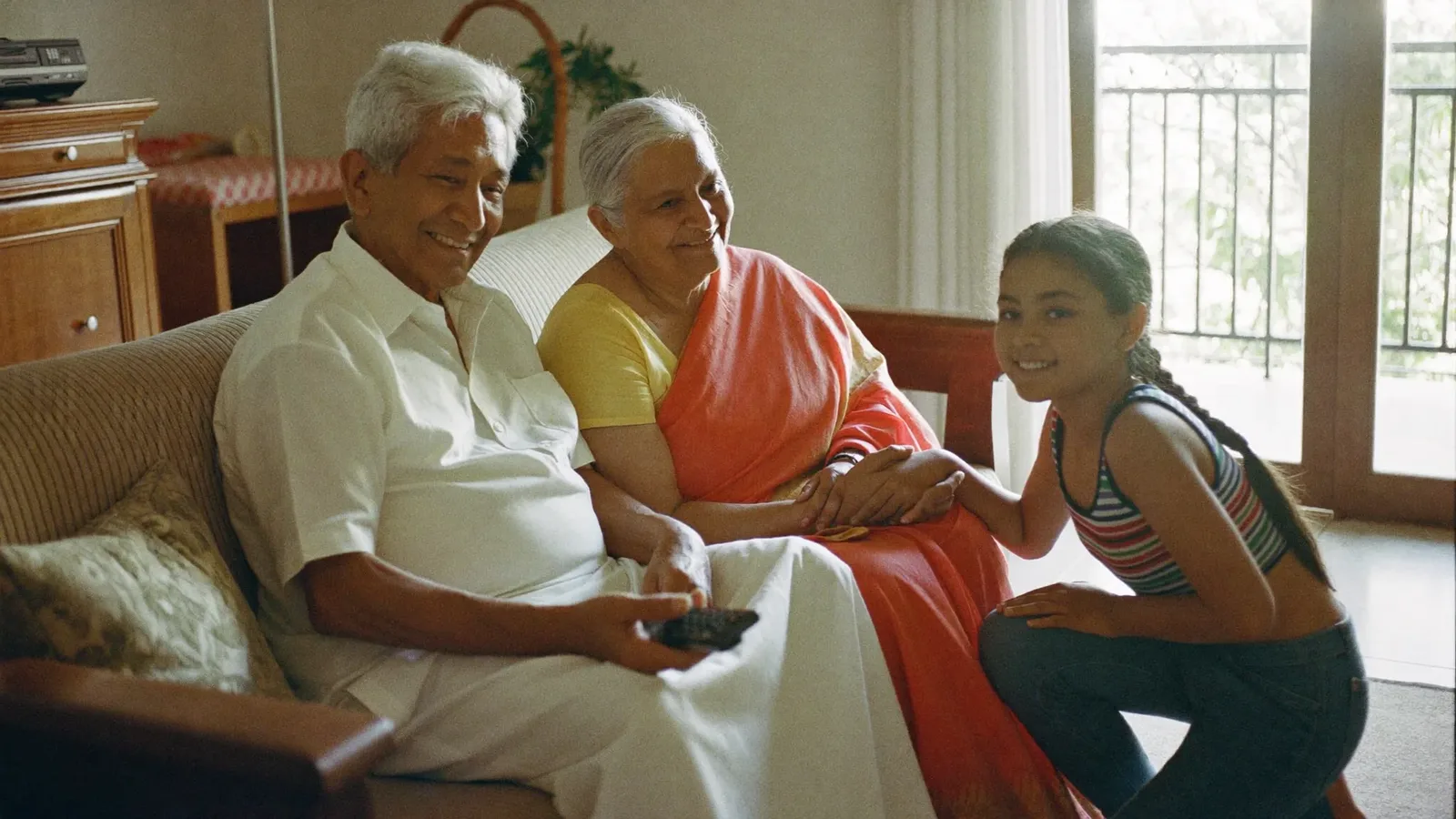
Buy your parents a new smart TV and sooner or later the phone rings: "Your TV isn't showing the channels, there's some strange message on it!" Many menus, small text and interfaces that keep changing can frustrate older viewers. Spend a little time setting the TV up their way and those calls become far less frequent.
Accessibility settings usually include "Text size", "High contrast" or "Menu zoom". Set them so the screen can be read without glasses.
Put the four or five things they really use — the cable box HDMI input, a news app, YouTube — in the first row of the home screen. Remove or hide the rest.
Many TVs can open the last-used input (such as the set-top box) at power-on. Turn this on and they will not have to navigate menus every time.
If hearing is a little difficult, keep subtitles on with a larger font and a dark background. For clearer dialogue, many TVs offer a "Clear voice" or "Dialogue enhancement" mode.
Two remotes for the TV and the set-top box cause confusion. With HDMI-CEC switched on, the TV remote can often control the box too. Put coloured stickers on the important buttons — green for power, red for volume.
Press the microphone button on the remote and say "news" or the name of a song, and the results appear. It is much easier than typing. Sit with them and practise two or three times.
Strange messages during an update can alarm them. Where possible, choose the setting that installs updates at night or while the TV is off.
Set a PIN for purchases and installations to prevent unintended subscriptions or unknown apps.
Write a single page in large letters: "TV on → green button. News → button 3. If nothing shows, switch the TV off, wait 10 seconds, switch it on." Keep it beside the TV.
When something goes wrong, ask for a video call and have them show you the screen. Often one look is enough to see which input it is stuck on.
Editor's note: Menu names differ by brand and model; check the user manual. Last reviewed 13 November 2026.

Plenty of people start the day with headphones in, listening to their favourite FM station on the bus or in a rickshaw. Then the data pack runs out before the month does, and the question co
3 min read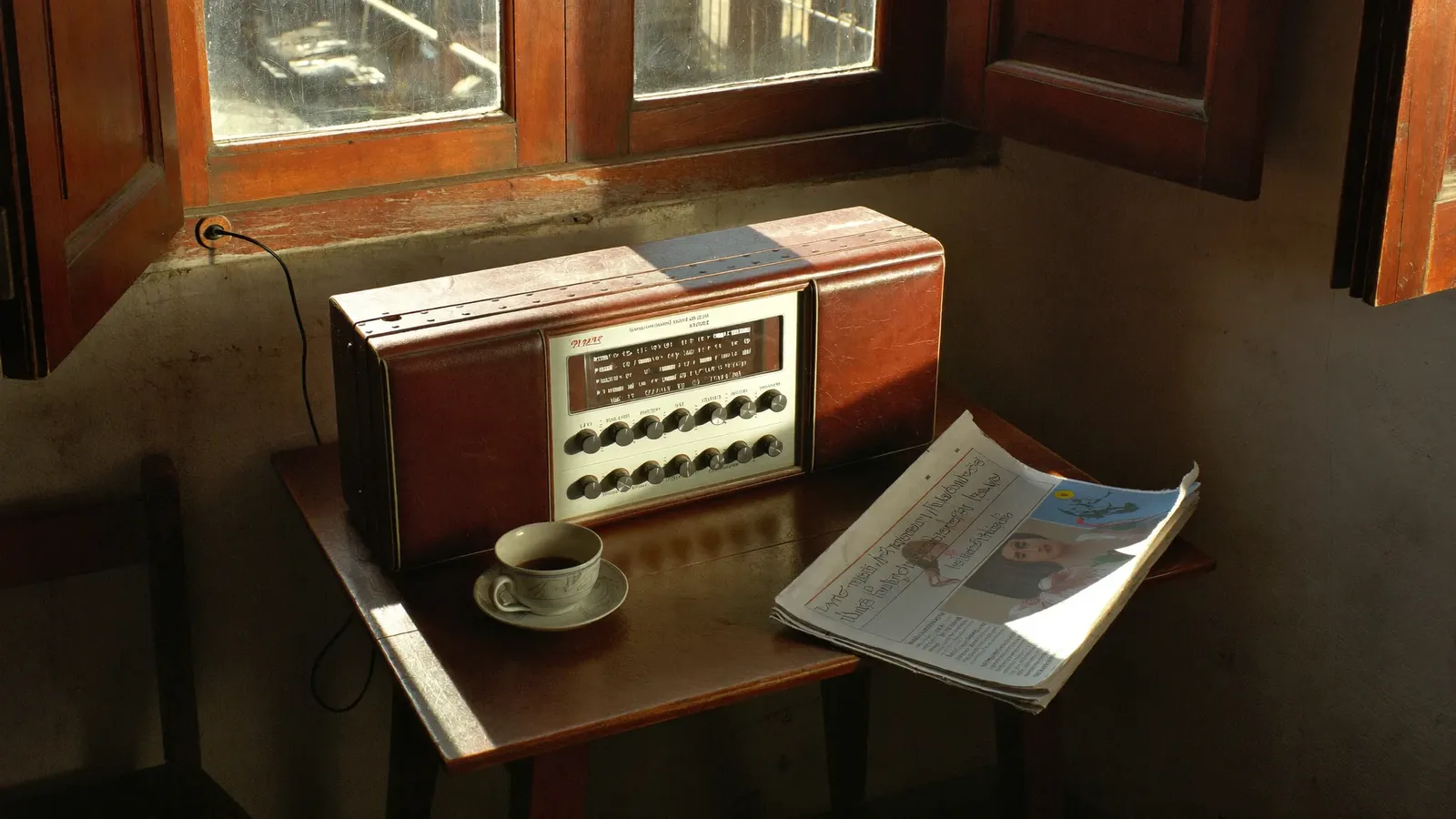
There was a time when people crowded around a single radio at the village tea stall to hear the evening news. Today the same stations play through a phone app, a car dashboard or a smart spe
3 min read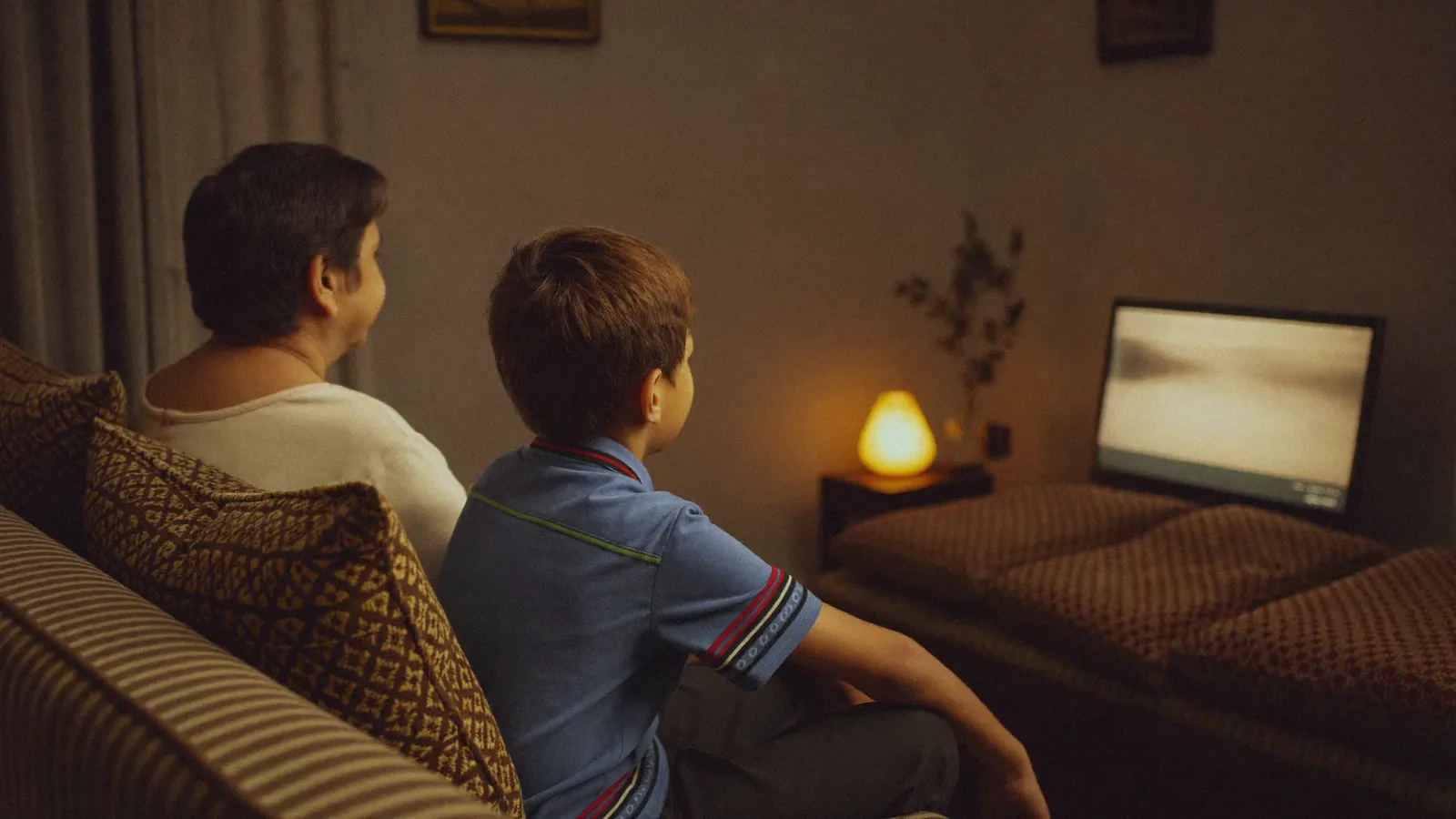
After dinner the lights go off and the family settles in for a drama or a match. It is a familiar scene in many homes. But a bright screen in a dark room, sitting too close and watching for
3 min read