Guide
Picture but no sound? Work through mute and output settings, HDMI and ARC, set-top box audio, app-specific problems and the speaker test, from the quickest check to the last.

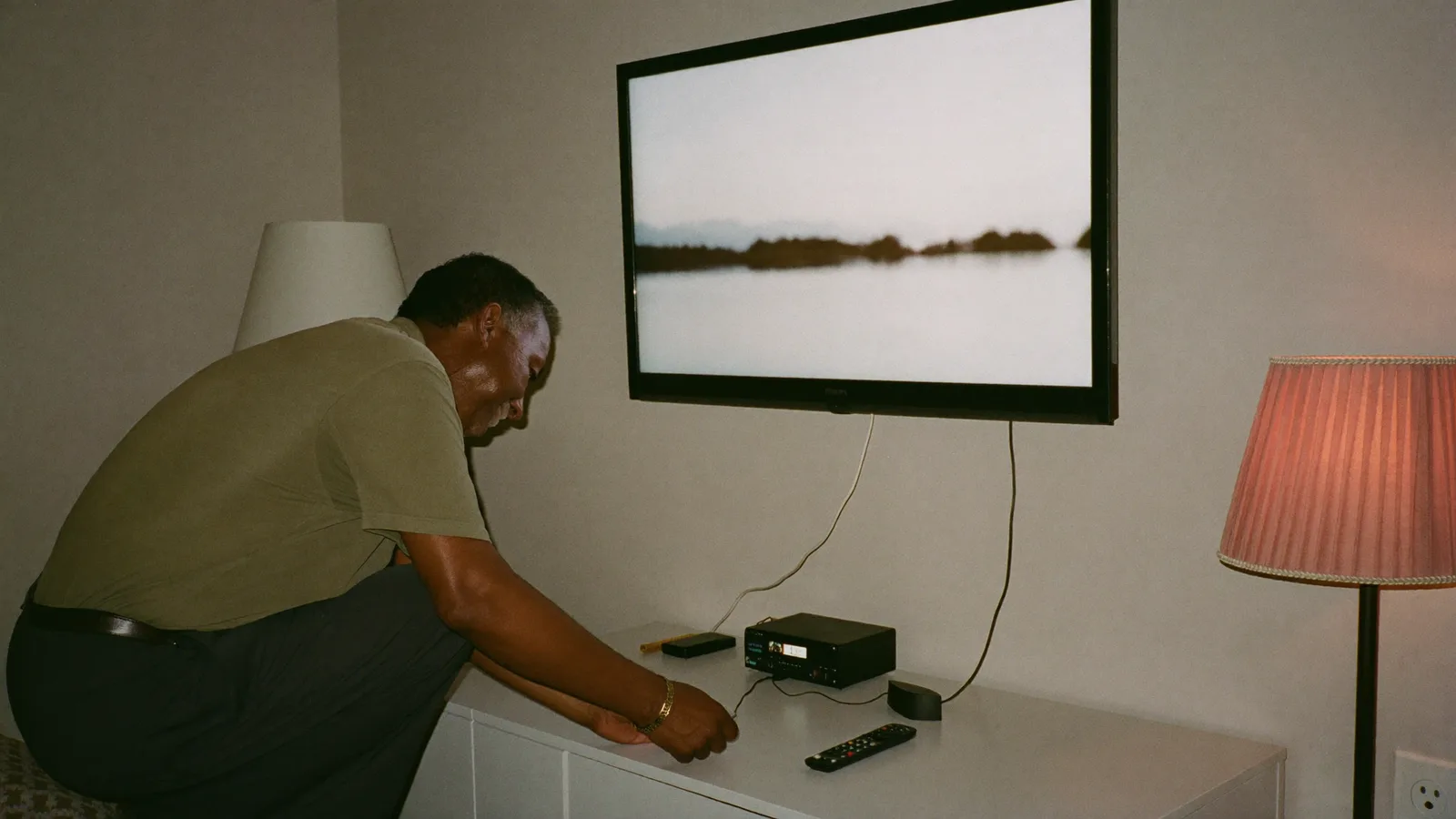
The picture is perfect, the news ticker is moving, but the room is silent. Sudden loss of sound is one of the most common TV complaints, and it is rarely a broken speaker. In most homes the cause is a setting, a cable or a box in the chain between the signal and your ears. Work through the steps below in order: the early ones take seconds and solve most cases.
Open the TV's sound settings and find Sound output or Audio output. It should say TV speakers if you have nothing else connected. If it says HDMI ARC, Optical or Bluetooth, the TV is sending audio to a device that may be switched off. Change it back, or switch the soundbar on and set it to the right input.
A full power cycle clears many audio glitches. Switch off the TV, set-top box and soundbar, pull their plugs from the wall, wait one minute and plug them back in. Using only the remote's power button often just puts a smart TV to sleep, which does not clear the fault.
Our guide to setting up a soundbar with HDMI ARC and eARC covers this in more detail.
With a cable or DTH box, the sound travels from the box to the TV. Check that the HDMI cable is firmly seated at both ends. In the box's menu, look for an audio setting such as Dolby Digital, Bitstream or Stereo; if the TV has no sound from the box but sound from its own apps, choose Stereo or PCM. On older boxes connected with red and white cables, a loose plug is the usual suspect.
If YouTube plays sound but one streaming app does not, update or reinstall that app and clear its cache. Some video files and streams use audio formats such as AC3 or DTS that certain TVs, phones or browsers cannot decode. In that case the picture plays and the audio is silent. Selecting a different audio track in the player, or using another app, usually solves it.
Install any pending system update for the TV and the box. If the problem started after you changed settings, use Reset sound settings (not a full factory reset) to return audio options to their defaults.
Many TVs have a built-in sound test in the support or self-diagnosis menu. If the test tone is silent with nothing connected, the speakers or the TV's audio board may be faulty. At that point, stop and contact the authorised service centre; opening the set yourself can void the warranty and carries an electric-shock risk.
If the sound works but voices are hard to follow, try the TV's Clear voice or Dialogue enhancement mode, switch off "virtual surround" effects, and make sure nothing is blocking the speakers at the bottom or back of the TV. A small soundbar is the most effective upgrade for thin TVs.
Editor's note: Menu names differ between brands and software versions. Written and reviewed on 15 November 2026.
Nearly every TV in the shop now carries an "HDR" sticker, and many viewers search for what it means after the TV is already home. HDR can make a real difference to the picture, but only when
5 min read
For most of Bangladesh's history, "television" meant one channel: Bangladesh Television (BTV), the state broadcaster that began in Dhaka in 1964. That changed in the late 1990s, when private
4 min read
Plenty of people start the day with headphones in, listening to their favourite FM station on the bus or in a rickshaw. Then the data pack runs out before the month does, and the question co
3 min read